Applivery: take any Android app apart and keep its design
Take any app apart.
Keep its design.
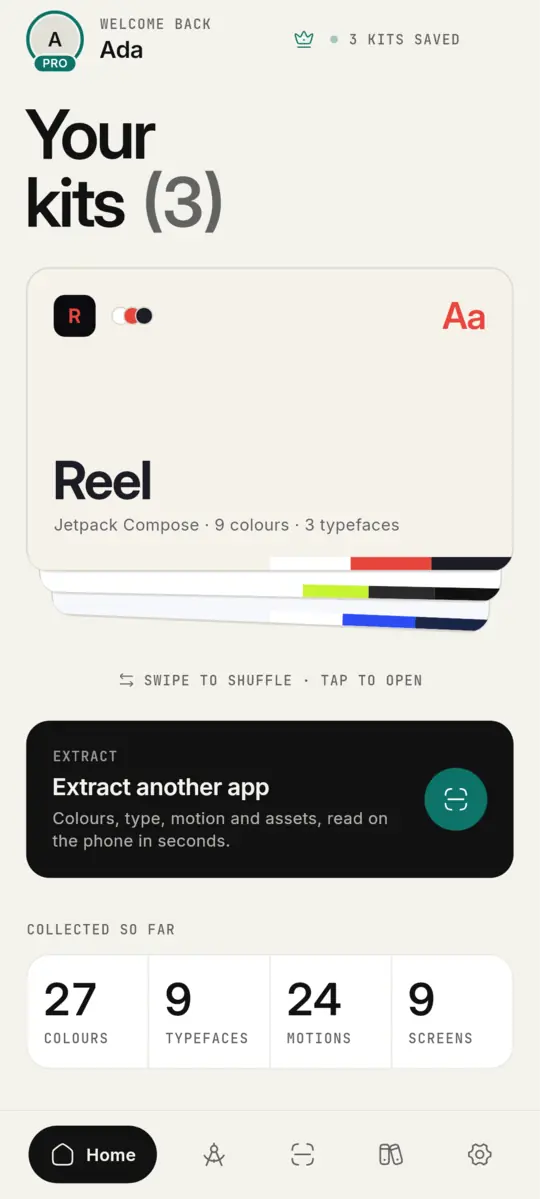
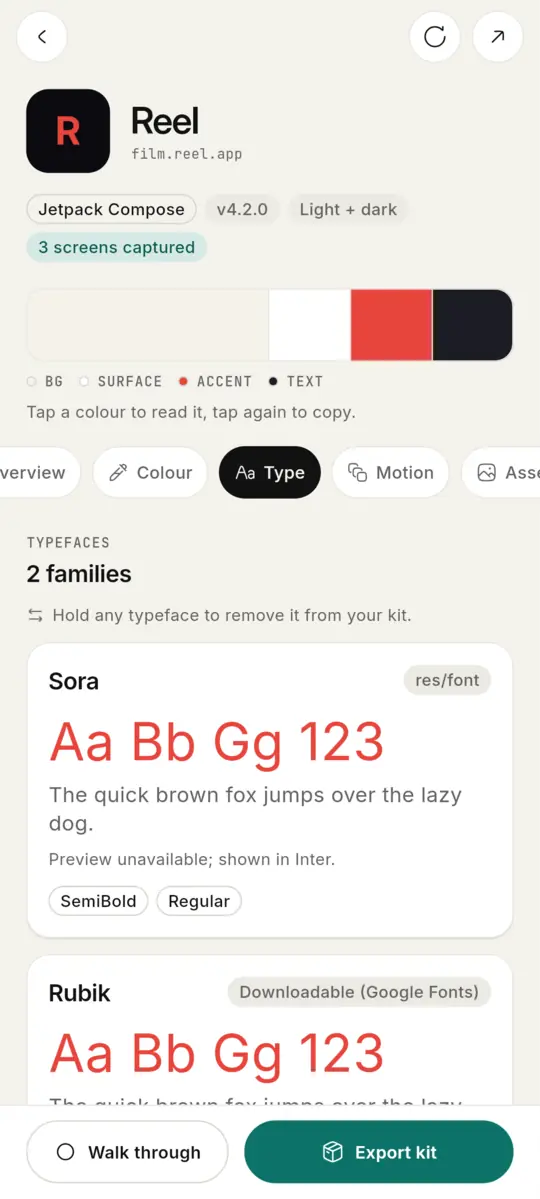
Applivery reads an Android app's colours, type, motion and assets right on your phone, times its real animations frame by frame, and hands it all to your coding agent as a skill.
v0.1.132 · 21 MB · Android 8+ · free
How it works
From any app to your agent in three steps.
- 01
Extract
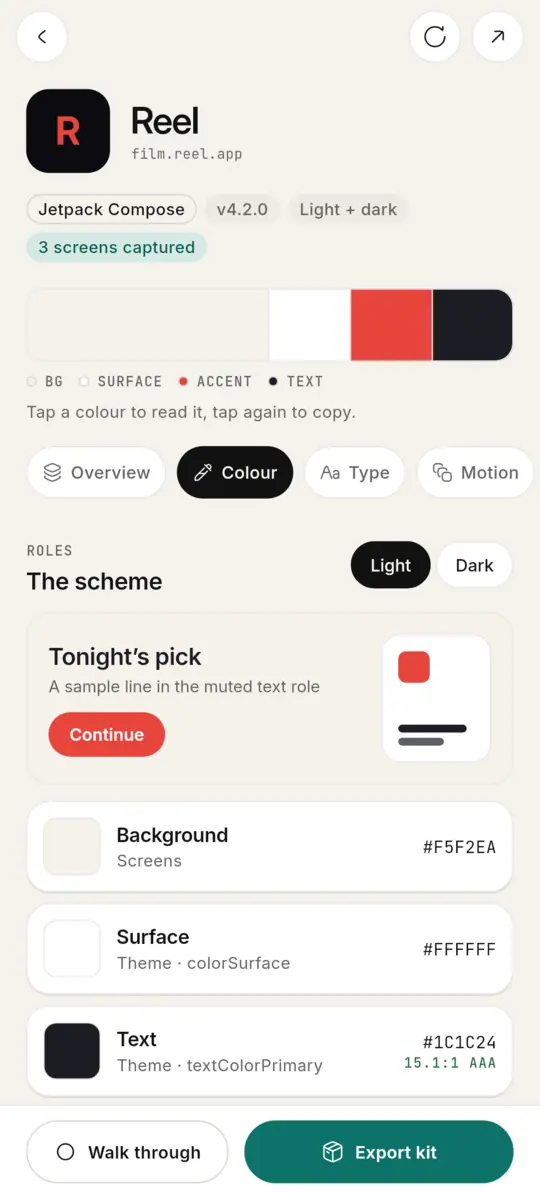
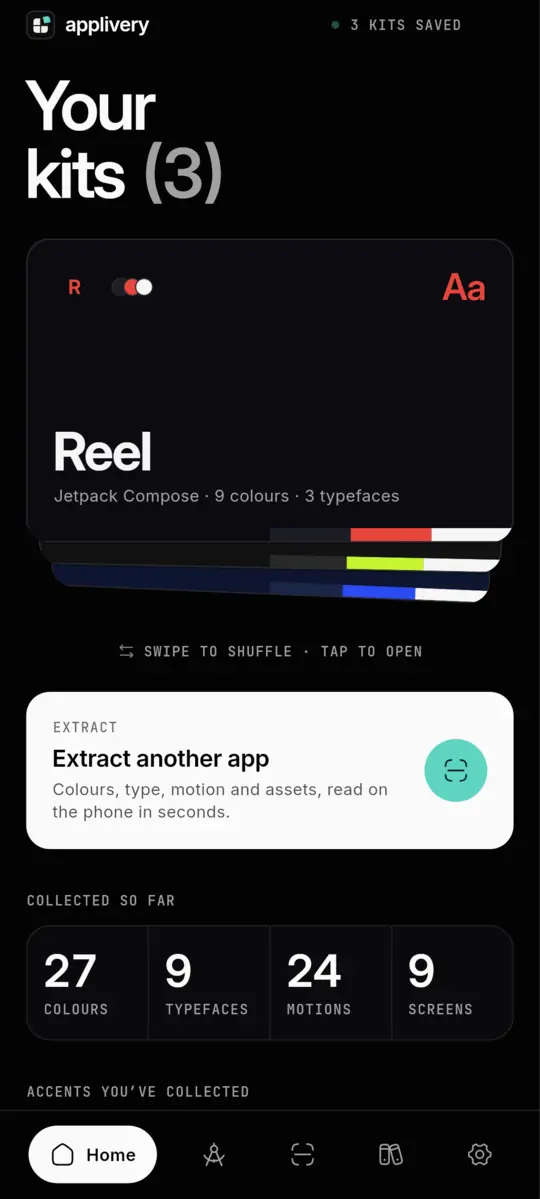
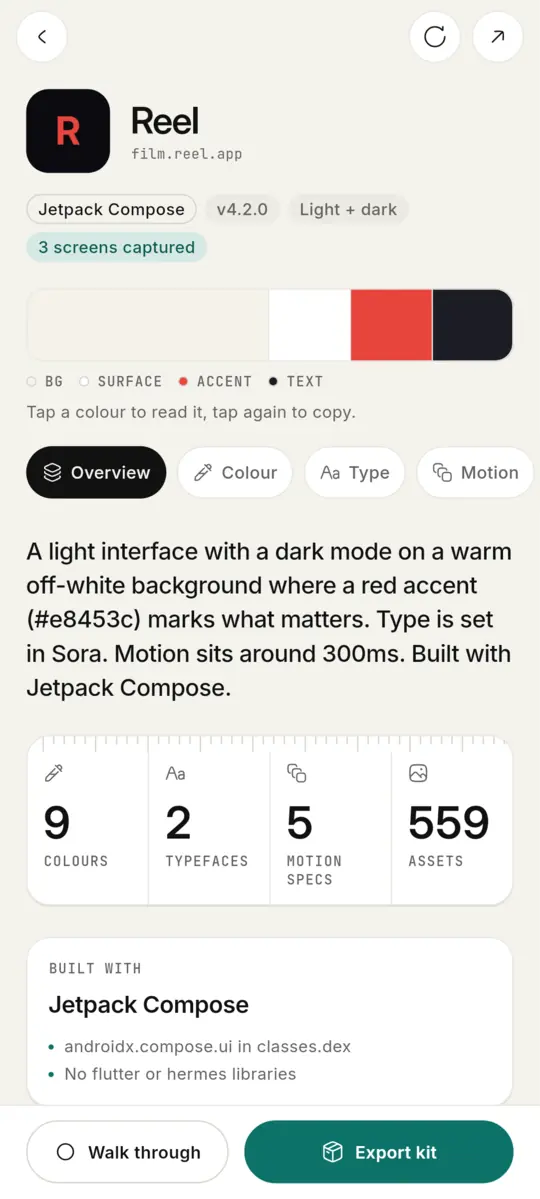
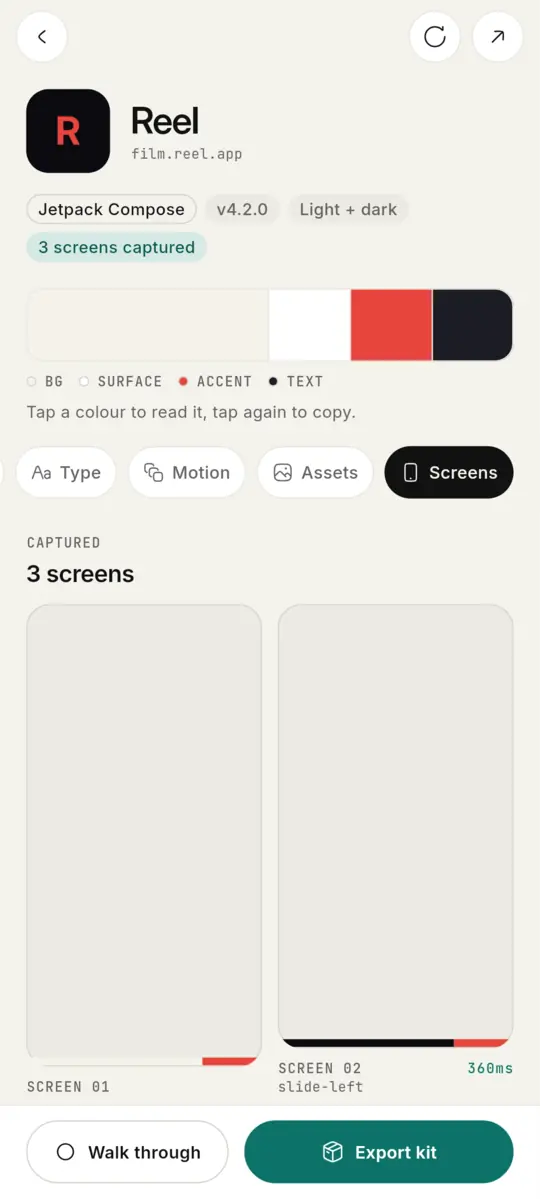
Pick any app on your phone. In seconds Applivery reads its theme, every colour (light and dark), its fonts, its animation files and every image it ships.
- 02
Walk through
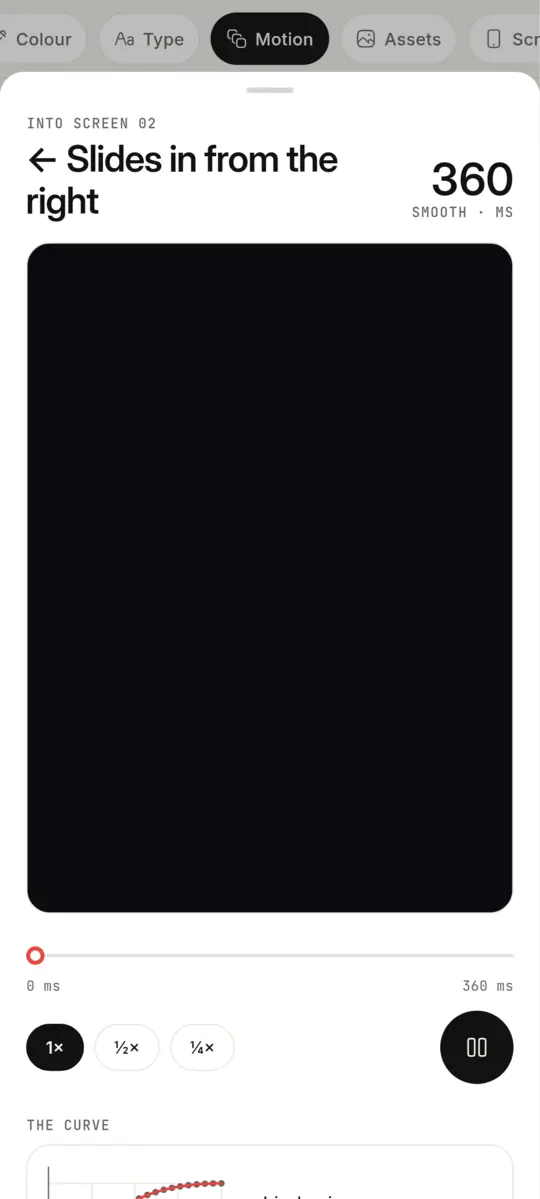
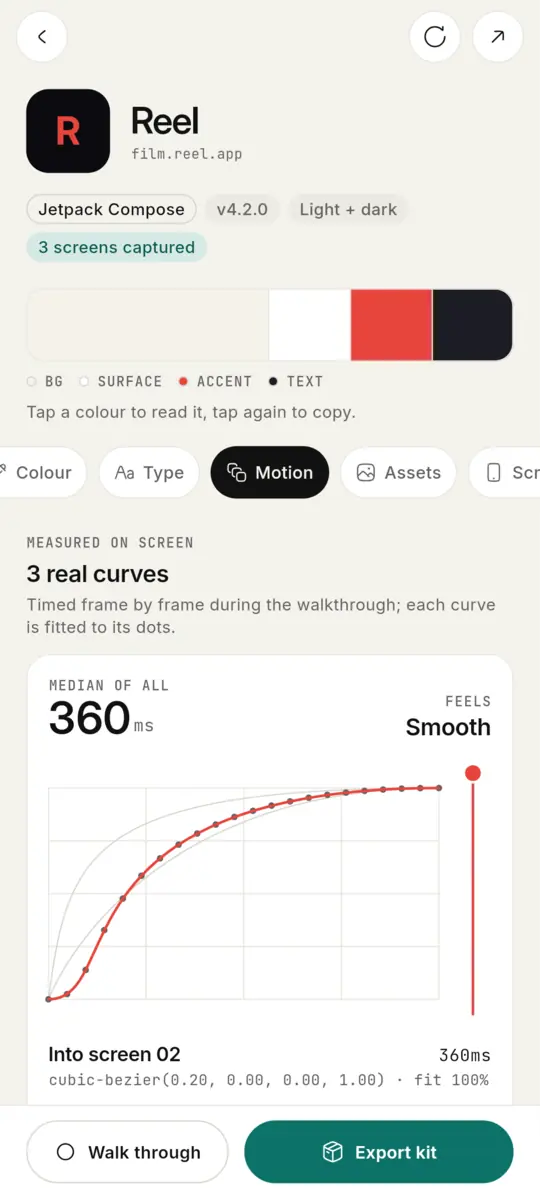
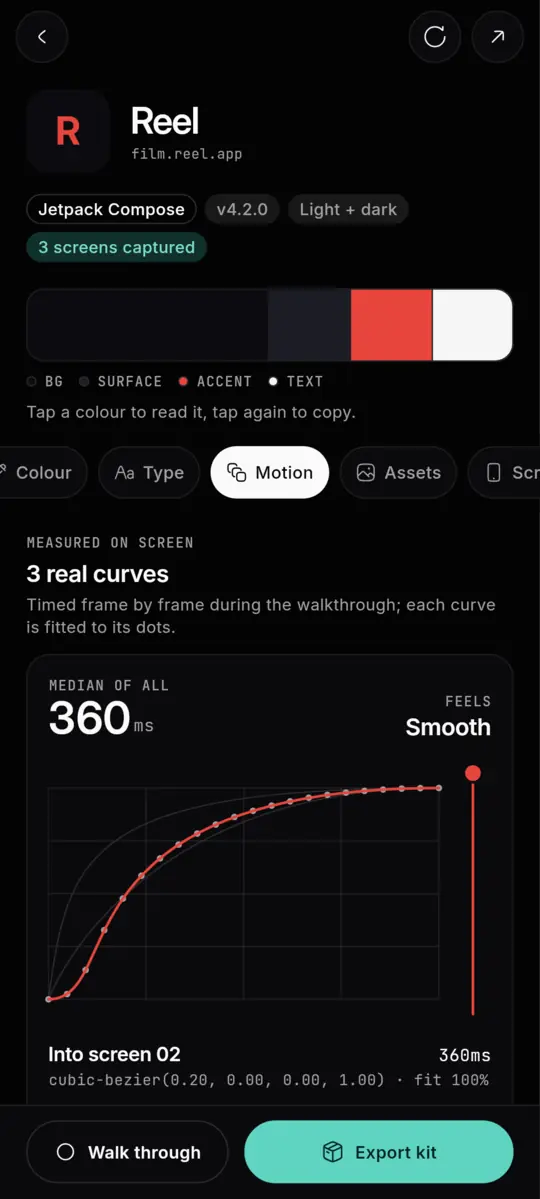
Use the app as you normally would while Applivery records the screen. It keeps one frame per screen and times every transition frame by frame, fitting each to an exact cubic-bezier. Loading flashes are set aside.
- 03
Export
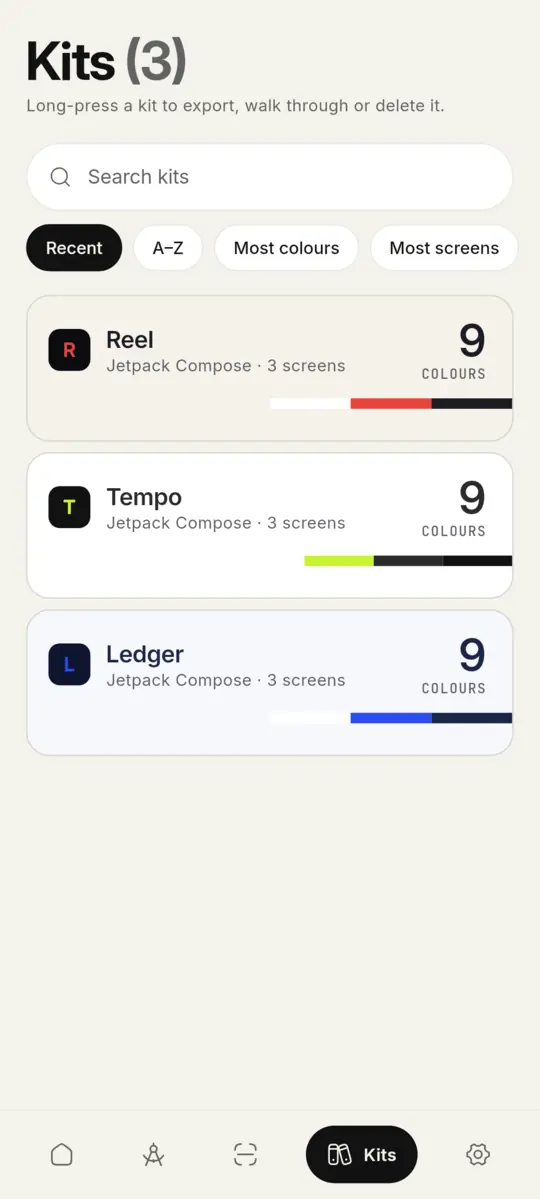
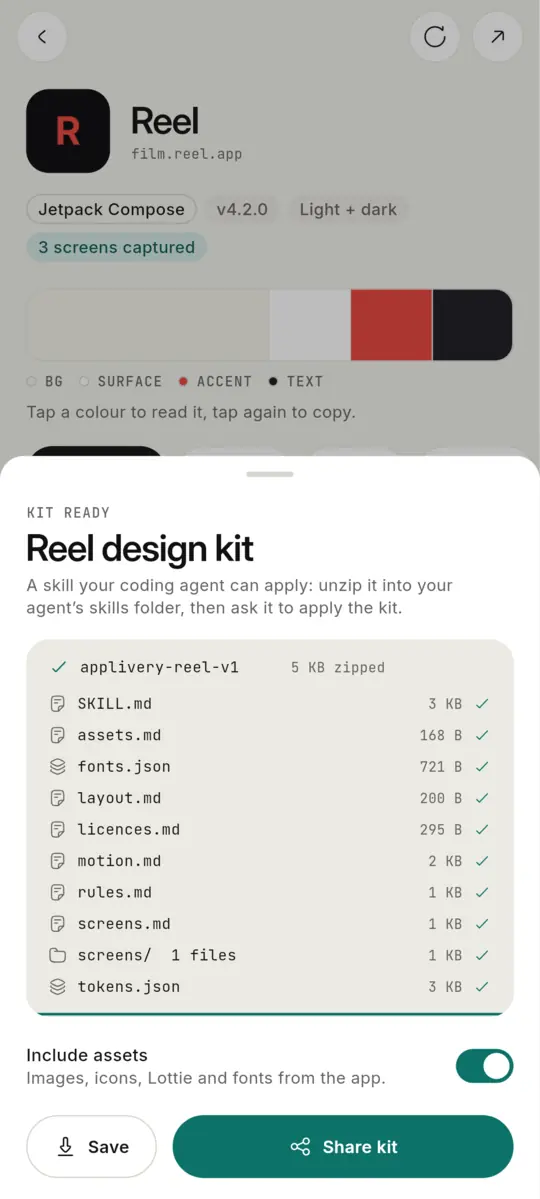
One tap packs a skill: SKILL.md, tokens, fonts, motion with real easing, layouts, screens and assets. Give it to Claude Code or any agent and say “apply this kit”.
01 / 03 · Extract
Inside a kit
The design psychology of an app, as files your agent can follow.
- SKILL.mdwhat to apply, in order
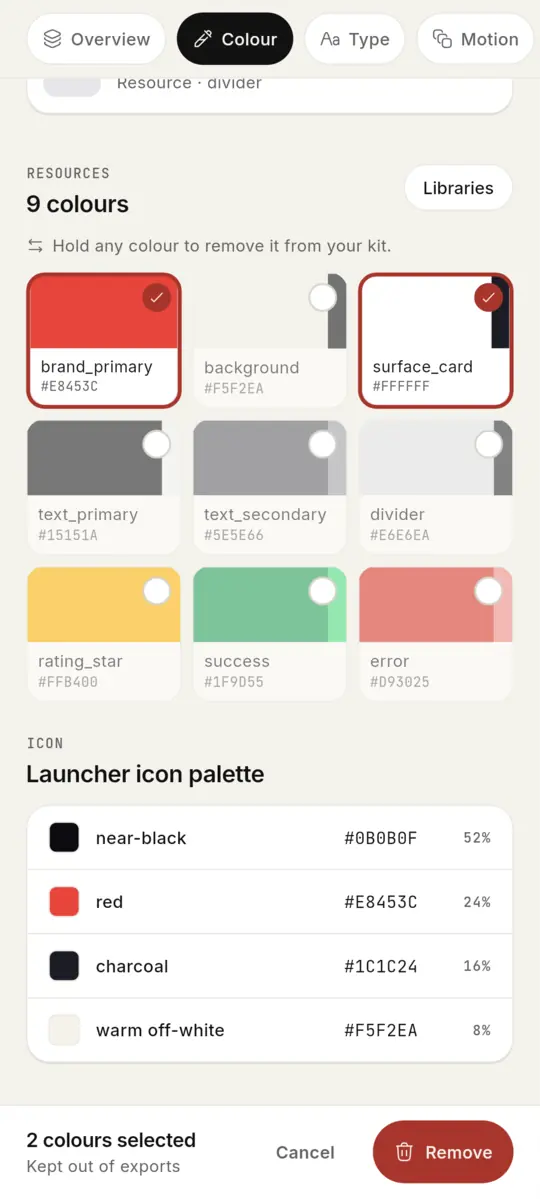
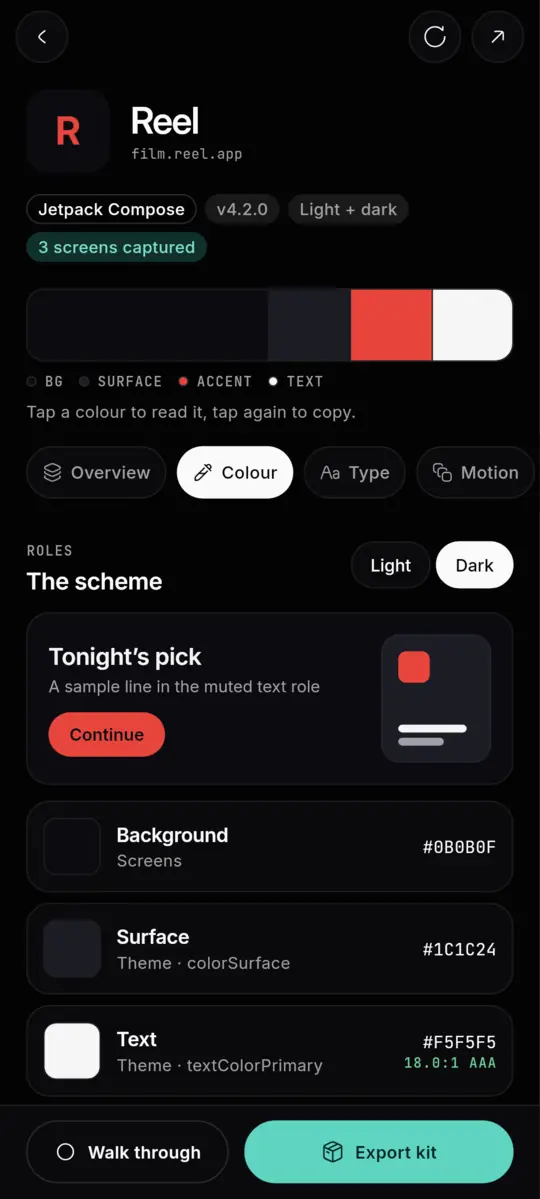
- tokens.jsoncolour roles, light + dark
- fonts.jsonfamilies, files, sizes
- motion.mdmeasured timing + easing
- screens/every screen's layout
- assets/images, icons, Lottie
cubic-bezier(0.20, 0.00, 0.00, 1.00)
Timed frame by frame on the real app, fitted to its dots.
Every colour, light and dark, with the role it plays and its contrast.
In your hands
Made to study apps, not just screenshot them.
Watch every motion big
Each animation as a clip at the screen's own frame rate. Scrub it, slow it to ½× or ¼×, see the curve move with it.
Keep only what matters
Hold a colour, font, motion or asset to take it out. Your kit, your call; undo any time.
Share it, or keep it
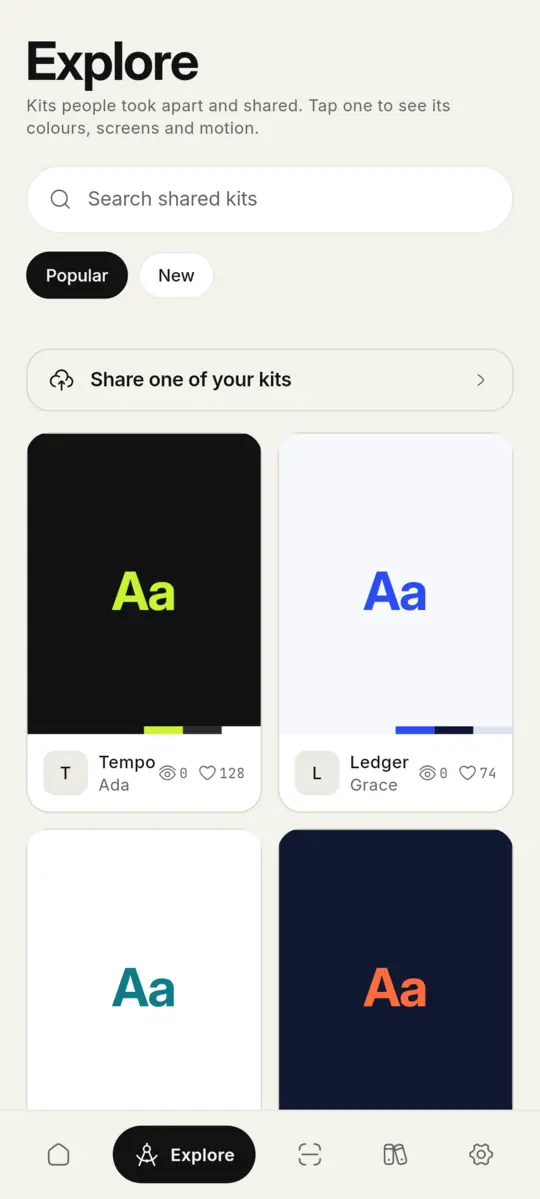
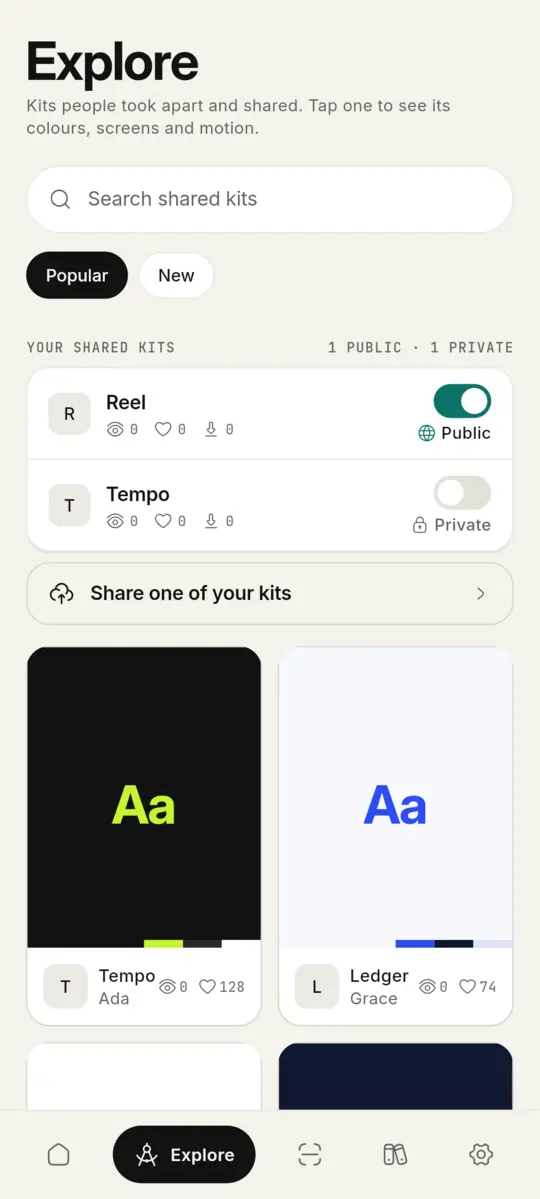
Publish kits to Explore for everyone, or keep them private. See who viewed and liked them.
Download
Get Applivery for Android.
Free, no account needed. Latest: v0.1.132. Open this page on your phone to install.
- Recommended
Most phones
64-bit Android 8 and newer. The smallest download.
Applivery-arm64.apk · 21 MB
Older phones
If the app installs but won't open: the older graphics engine, every architecture.
Applivery-legacy.apk · 27 MB
Every device
32- and 64-bit ARM and x86_64 in one file. The biggest download.
Applivery.apk · 59 MB
Phone says “App not installed”? It may run 32-bit Android: get the 32-bit APK.
01Open the file
Tap the download when it finishes.
02Allow the install
Android asks once to allow installs from your browser or files app.
03Take an app apart
Pick any app. Your first kit is ready in seconds.
Copy the feel,
not the pixels.